
Know who's calling before you say hello.
UvoiceCloud connects to the software your team already uses, so the caller's record pops up on every call and every conversation is saved where you work.
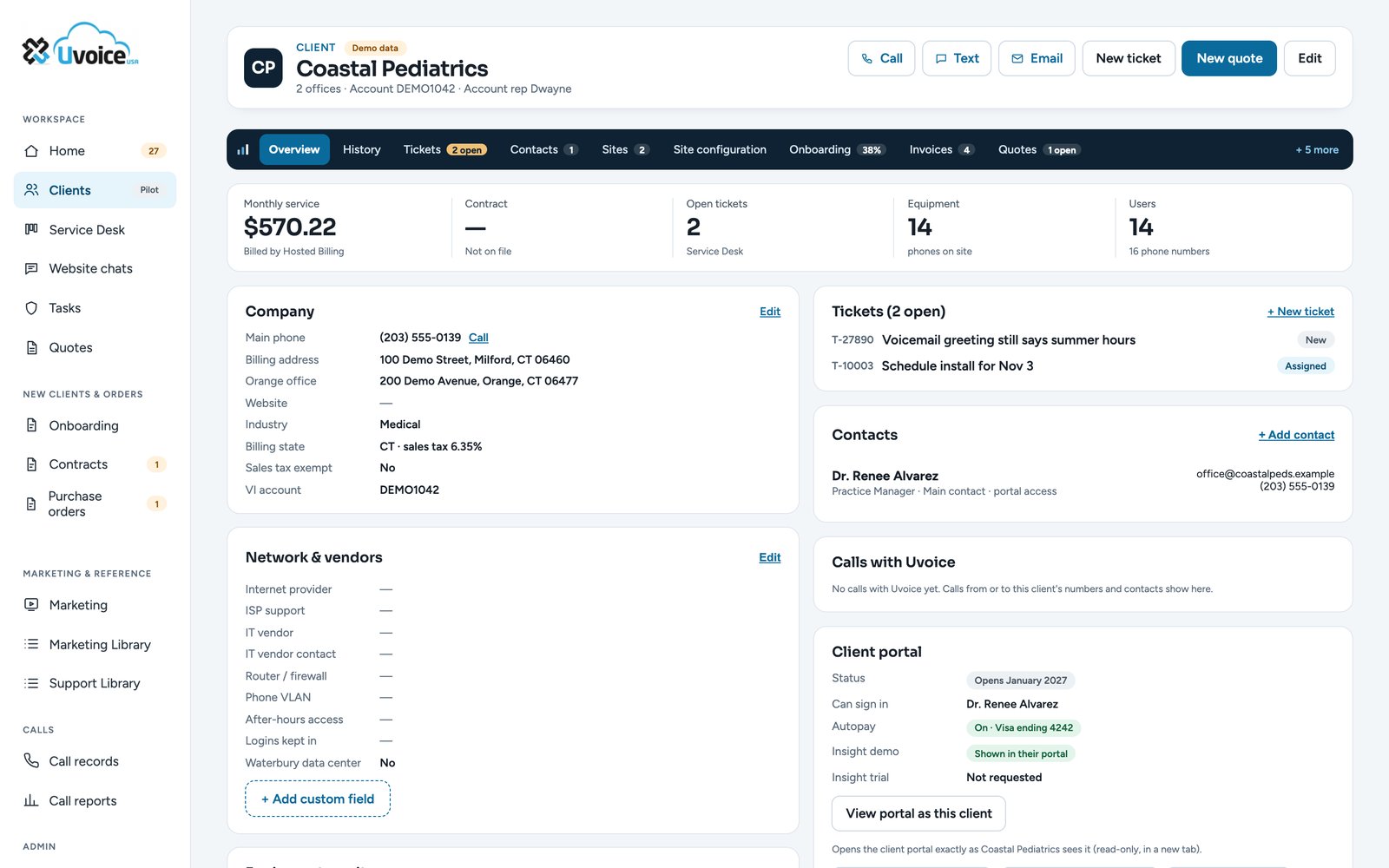
What does your team use?
Type your CRM, practice software, help desk or accounting system. We'll show you the best way to connect it to your phones and what it would do.
Four ways to connect. Which one is right for you?
| Option 1Ready-made connectors | Option 2Webhooks | Option 3The Uvoice API | Option 4Custom Uvoice Bridge | |
|---|---|---|---|---|
| Best for | Popular CRMs and help desks | Automating everyday follow-up | Companies with their own developers | Software no connector supports |
| What you get | Caller pop-ups, click to dial, calls logged | A call starts a task, a ticket or an alert | Calls, numbers and users in your own apps | Pop-ups, write-back and automations, made for you |
| Who does the work | Uvoice | You or Uvoice | Your developers, with our help | Uvoice, start to finish |
| Programming | None | Little or none | Yes | None for you |
| Setup time | About a day | Hours to days | Up to your team | A few weeks |
| Effort for you | ●●●● | ●●●● | ●●●● | ●●●● |
Plug in, and your CRM knows who's calling.
The ConnectUC and ReachUC connectors link UvoiceCloud to the software your team already lives in. No programming, and we set it up for you.
- The caller's record pops up while the phone is still ringing
- Click any phone number in your software to dial it
- Every call is logged on the right record, with its length and notes
Works with Salesforce, HubSpot, Microsoft Dynamics, Zoho, Autotask, ConnectWise, Zendesk, Microsoft Teams and more.
Dana Whitfield
- Account
- Coastal Realty, 12 users
- Open tickets
- 1 (voicemail setup)
- Last call
- Oct 21, with Jeff
Every ring, answer and missed call can start something.
The instant a call happens, UvoiceCloud can send a message to your other systems. Hook it to Zapier, Make or Microsoft Power Automate and build the follow-up you want, with little or no programming.
- Missed call: create a call-back task for the right person
- New caller: add them to your lead list
- After-hours voicemail: open a ticket in your help desk
Example: a dental office misses a call at lunch. A task appears for the front desk with the caller's number, and the call-back happens before 1:30.
Works with Zapier, Make and Microsoft Power Automate
Your developers, our phone system.
For companies with their own IT team or software. The Uvoice API gives your programmers secure access to your calls, numbers and users, so your own apps can work with your phones.
- Call history for reports and dashboards in your own tools
- Click to call from your own software
- Users, numbers and voicemail, kept in step with your systems
Example: a dealership shows calls per salesperson, and missed calls, on the screen in the sales office.
Calls today: 86
No connector for your software? We'll build the bridge.
Practice software, dealership systems, industry apps: if your software has an API, we connect it to your phones and run it for you. It's the same engine we built to run our own business.
- Caller pop-ups with your software's own information
- Call notes and summaries saved back into the right record
- Automations made for how your office works
- Your own call dashboard, by doctor, by case or by department
Example: a pediatric practice sees the patient and their next appointment before saying hello, and the call note lands in the patient's chart.
Tell us what software you use.
We'll tell you which way to connect it, what it costs, and how long it takes. No obligation.
What your team gets
- Inbound call · 4:12 · answered by JeffSummary: wants a second line for the new office. Next step: quote by Friday.Recording · Transcript
- Text sent from (860) 555-0100"Your quote is on the way, Dana. Talk Friday!"
- Email receivedRe: New office opening date (already in your CRM)
- Missed call, voicemail leftVoicemail saved to the record, ready to play
| When | Caller | Answered by | Length | |
|---|---|---|---|---|
| Today 9:20 | Coastal Realty | Jeff L. | 4:12 | Recording |
| Today 8:57 | Harbor Auto Group | Sofia R. | 2:31 | Recording |
| Yesterday | Brightside Dental | Maria L. | 6:05 | |
| Yesterday | (203) 555-0177 | Missed | 0:00 | Voicemail |
How we connect it
We confirm it has an open API or connector and what it can show, before you commit to anything.
We turn on API access for your UvoiceCloud account and share what your CRM, or your developer, needs.
Screen pops, client lookup and call logging, working the way your CRM supports them.
Screen pops for any software.
When someone answers a call, a small window opens with the caller's number and big buttons: open the customer in the software you already use, start a ticket or appointment, or text them your booking, payment or forms link. Branded with your logo and colors, and nothing about your calls is stored.
Anyone on the team answers on a desk phone, computer or cell.
With the caller's number and the location they called.
Opens the customer in your software, or sends them the link they need.
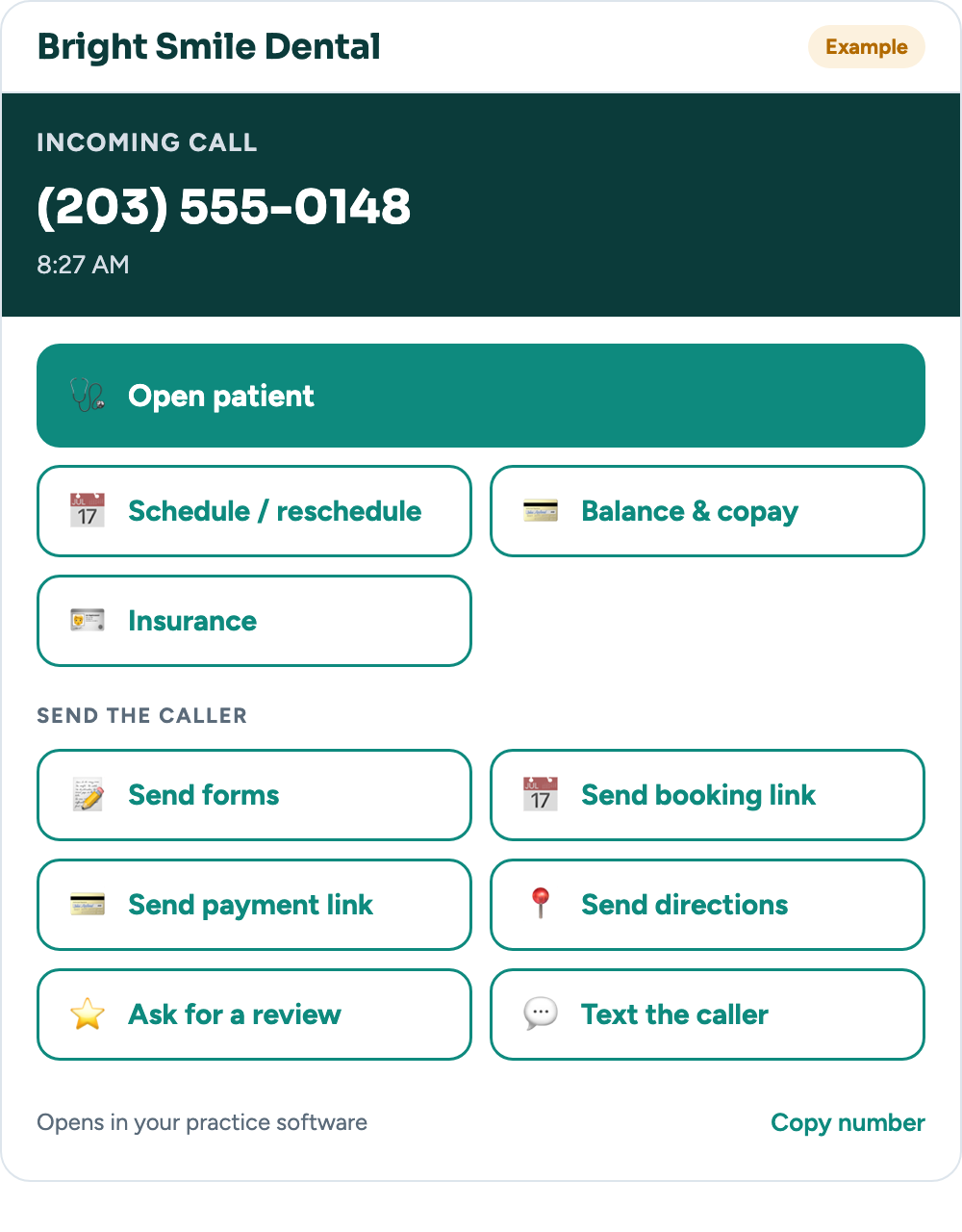
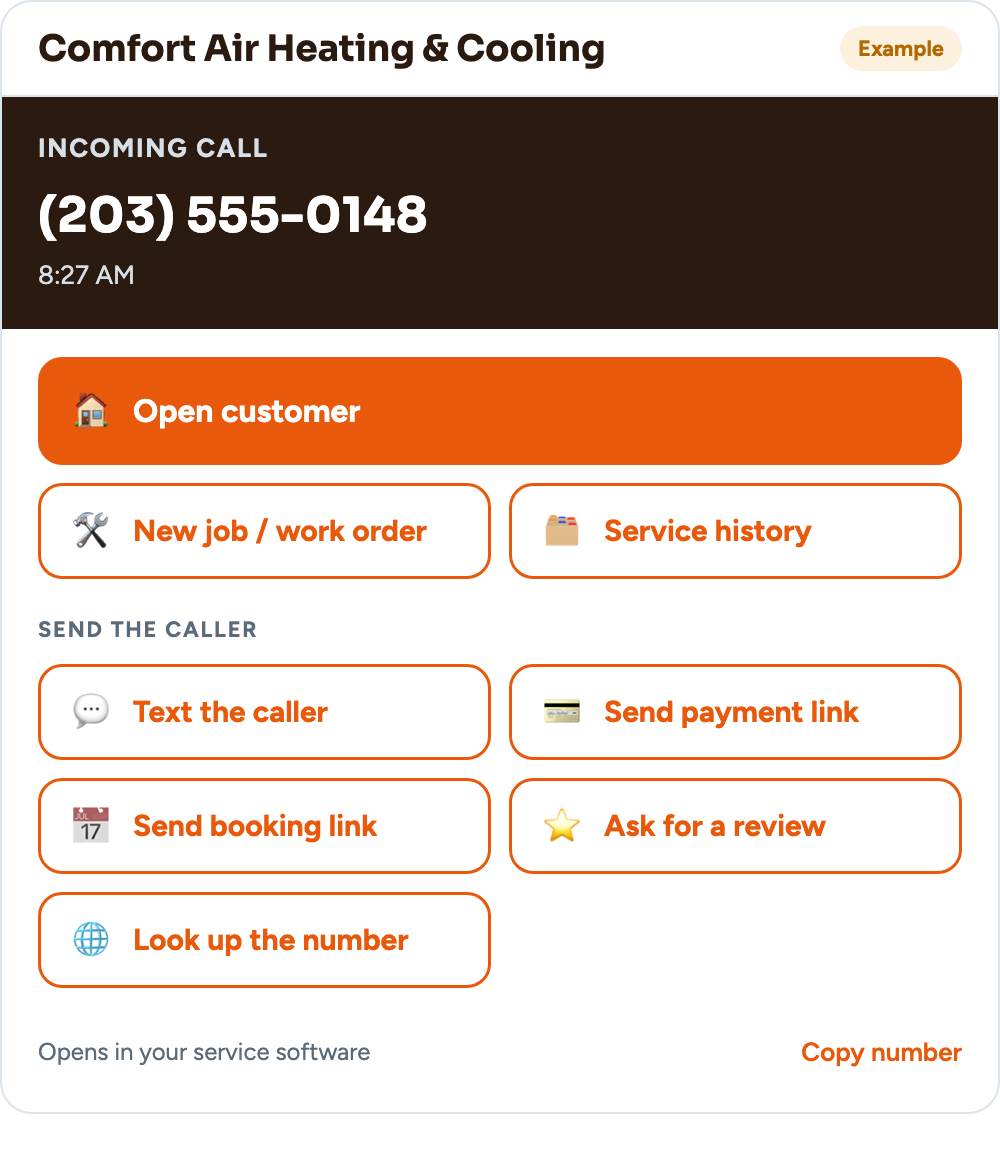
Ready-made for: medical, PT & dental · law firms · HVAC, plumbing & electrical · IT services · real estate · auto repair · insurance · property management · salons & spas · restaurants & retail
See it with your business
Type your website and pick your type of business. We'll show you your own call window in a few seconds.
Like it? We'll set it up with your real software and links.
Set this up for meExample businesses are made up. Buttons open your software's own pages; we confirm what yours supports during setup. Text buttons open your computer's texting app with the message ready.
What our API includes
UvoiceCloud's API gives your CRM the call data it needs. Ask us for the technical details for your system.
Ask about your CRM- Call eventsRinging, answered and ended, in real time
- Call historyCaller, who answered, times and length
- Recordings & transcriptsFor calls you record
- TextsSent and received on your business numbers
- Contacts & usersYour team's extensions and directory
- Secure accessYour own API login, never shared
* Integrations connect through your CRM's own API or connector, and what's possible depends on your CRM. Uvoice sets up the phone side and API access; we don't program automations or workflows inside your CRM. Most popular CRMs have an open API; tell us yours and we'll confirm what it supports.